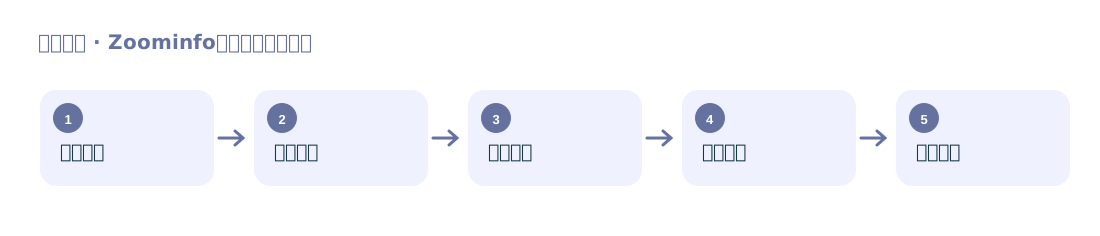
Company Data Collection
Filter by criteria such as country and industry, and organize company names, regions, industries, employee counts, and websites.
Organize companies and key people by industry and region

Build filtered lists of companies and people visible on ZoomInfo, then use people’s names and company domains for subsequent email discovery.
Filter by criteria such as country and industry, and organize company names, regions, industries, employee counts, and websites.
Organize names, job titles, companies, and domains from the people view, then proceed to a separate email discovery process.
Suitable for teams with an established industry profile that need to build both a company list and a list of purchasing or management roles.
The plugin reads company and people lists visible to an authorized account. Key people’s email addresses cannot be confirmed from names alone; the original site recommends further discovery using names and domains.