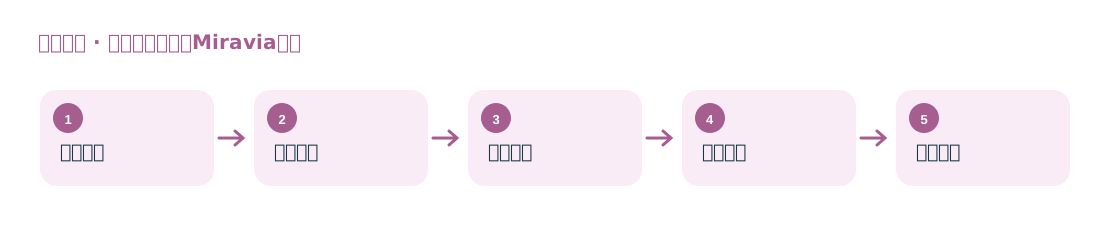
Product Data Collection and Product Selection
Collect product prices, ratings, reviews, and sales by category, keyword, store product list, and filter criteria.
Research the Miravia product and seller market

The original Miravia product page focuses on product data collection and product selection analysis; the package details separately list seller business data fields.
Collect product prices, ratings, reviews, and sales by category, keyword, store product list, and filter criteria.
Using fields listed in the original site’s package details, such as seller name, country, company name, and address, research sellers operating in the Spanish market.
Suitable for cross-border sellers analyzing competitors in the Spanish market, as well as logistics and supply chain teams looking for seller customers.
The product workflow reads public fields from Miravia listing and detail pages; the seller workflow uses store or publicly available company pages as leads. The fields for the two workflows should be checked separately.