Map-Based Location Search and Data Collection
Locate target markets by country, city, and business category, and extract business details and business page links from the map.
Find businesses and merchants that are genuinely operating by location

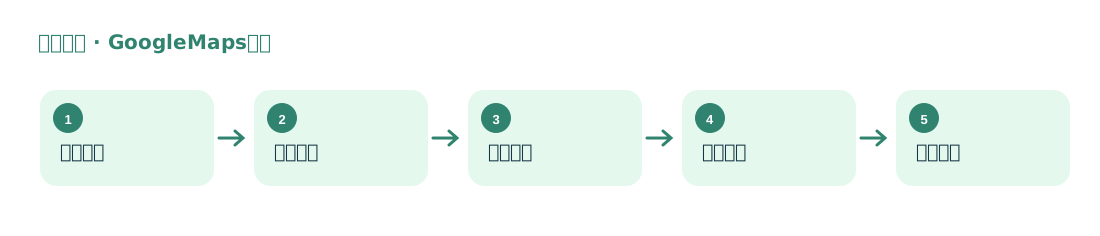
Starting with “product or service term + location,” compile information from Google Maps business results, including business names, websites, phone numbers, addresses, and categories.
Locate target markets by country, city, and business category, and extract business details and business page links from the map.
For businesses with official websites, continue compiling their domains, publicly listed email addresses, and social media accounts.
Suitable for finding regional distributors, retail stores, service providers, and businesses operating offline, as well as assessing market coverage by city.
The plugin reads fields from map search results and publicly available business pages; email addresses usually come from the business’s official website, not from the map itself. The fields visible for each business vary.