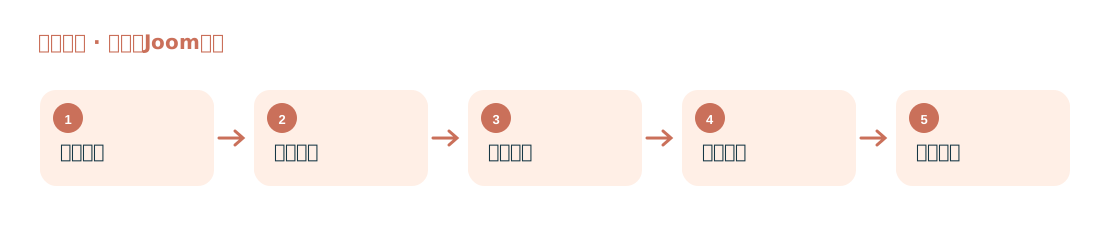
Find Relevant Sellers
Supports paginated collection of categories, keywords, and filtered results.
Link seller companies from Joom product results

Compile company names, addresses, registration information, and publicly available contact details for relevant products and sellers on the Joom platform.
Supports paginated collection of categories, keywords, and filtered results.
Compile seller names, company names, addresses, countries, registration numbers, email addresses, and phone numbers from linked pages.
Suitable for freight forwarders, manufacturers, and cross-border service teams serving Russia and neighboring markets.
First locate sellers in product results, then extract fields from publicly available seller and company information; registration numbers and contact fields depend on what is visible on the page.