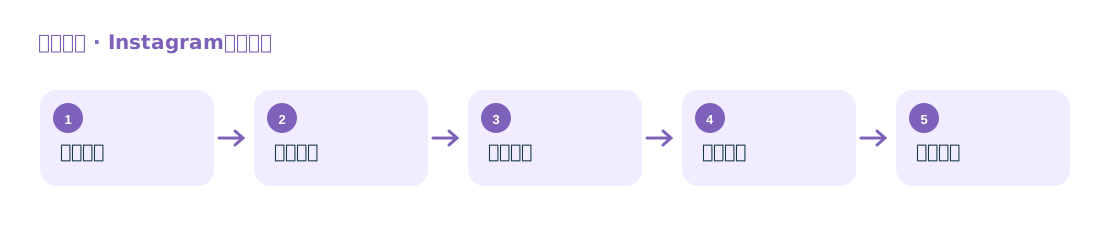
Find Accounts Through Multiple Entry Points
Supports different discovery paths, including followers, following, comments, likes, locations, and hashtags.
Discover customers and influencers from followers, hashtags, locations, and Reels
Collect leads from public accounts through Instagram users, bloggers’ followers, hashtag posts, location-based content, and Reels interactions.
Supports different discovery paths, including followers, following, comments, likes, locations, and hashtags.
Organizes visible fields such as user bios, follower counts, external links, categories, and recent activity to help screen customers or influencers.
Suitable for foreign trade and cross-border teams looking for target audiences, competitors’ followers, or content creators in specific categories.
The plugin extracts public fields from user profiles and content interaction pages, then consolidates accounts from different sources. Fields such as email addresses and phone numbers listed on the original site are subject to being publicly displayed on the account.