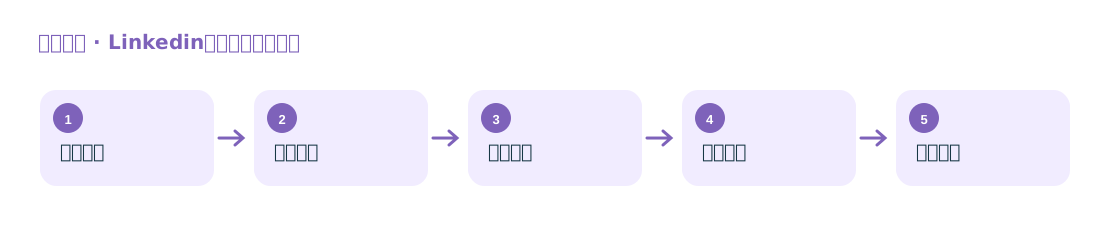
Find Companies and Key Contacts
Search for companies and employees by industry, region, and job title, focusing on identifying owners, purchasing managers, and business leads.
Identify target companies and key contacts, and find company email addresses

Find decision-makers through LinkedIn company pages, employees, and job titles. The original site highlights two main functions: “key contact email discovery” and “company information collection.”
Search for companies and employees by industry, region, and job title, focusing on identifying owners, purchasing managers, and business leads.
Once you have a name and company domain, look for publicly available email addresses. If needed, generate candidate addresses based on common email patterns and verify them.
Suitable for foreign trade teams that already have a list of target companies and need to find contact details for purchasing staff or other responsible personnel.
The original site publicly describes the email process as “name + domain”: first search the public web; if no address is found, generate candidate email addresses and then screen them through email verification. Candidate addresses should only be treated as usable leads after verification.