SWYTOOL product guides
PLUGIN 13 / Yellow Pages Directory
swytool · Plugin Guide with Images and Text

YellowPages Business Scraper Plugin

Build business directories in bulk using Yellow Pages listings

YellowPages Business Scraper Plugin illustration

Search for businesses on YellowPages and some of its country-specific sites, and extract public information such as phone numbers, websites, addresses, and categories.

Want to learn how this plugin can be used in your target market?Ask about plugin solutions →

Two Key Features

01

Yellow Pages Search

Search local business directories by keyword and location.

02

Business Information Extraction

Compile names, websites, phone numbers, addresses, descriptions, and visible years listed.

Use Cases and How It Works

Suitable Use Cases

Suitable for sales teams looking to expand lists of overseas small and medium-sized businesses by industry and location.

How Public Information Becomes Leads

Reads public fields in directory search results and business details. The source site lists the United States, Vietnam, Brazil, and Thailand among the currently supported sites; check the current version for other sites.
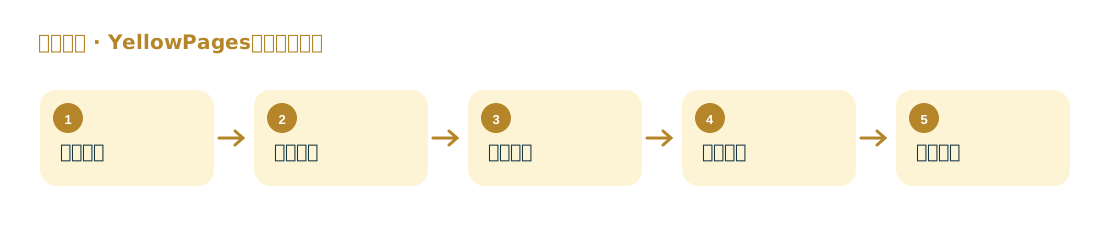
Steps

YellowPages Business Scraper Plugin workflow diagram
  1. First, confirm whether the target country's site is supported by the current plugin.
  2. Enter an industry keyword and a city or region.
  3. Collect business details across pages.
  4. Spot-check phone numbers, websites, and business categories.
  5. Export and group by site, country, and category.
Key FieldsBusiness name, website, domain, phone number, address, category, and publicly listed directory description.